About the Site
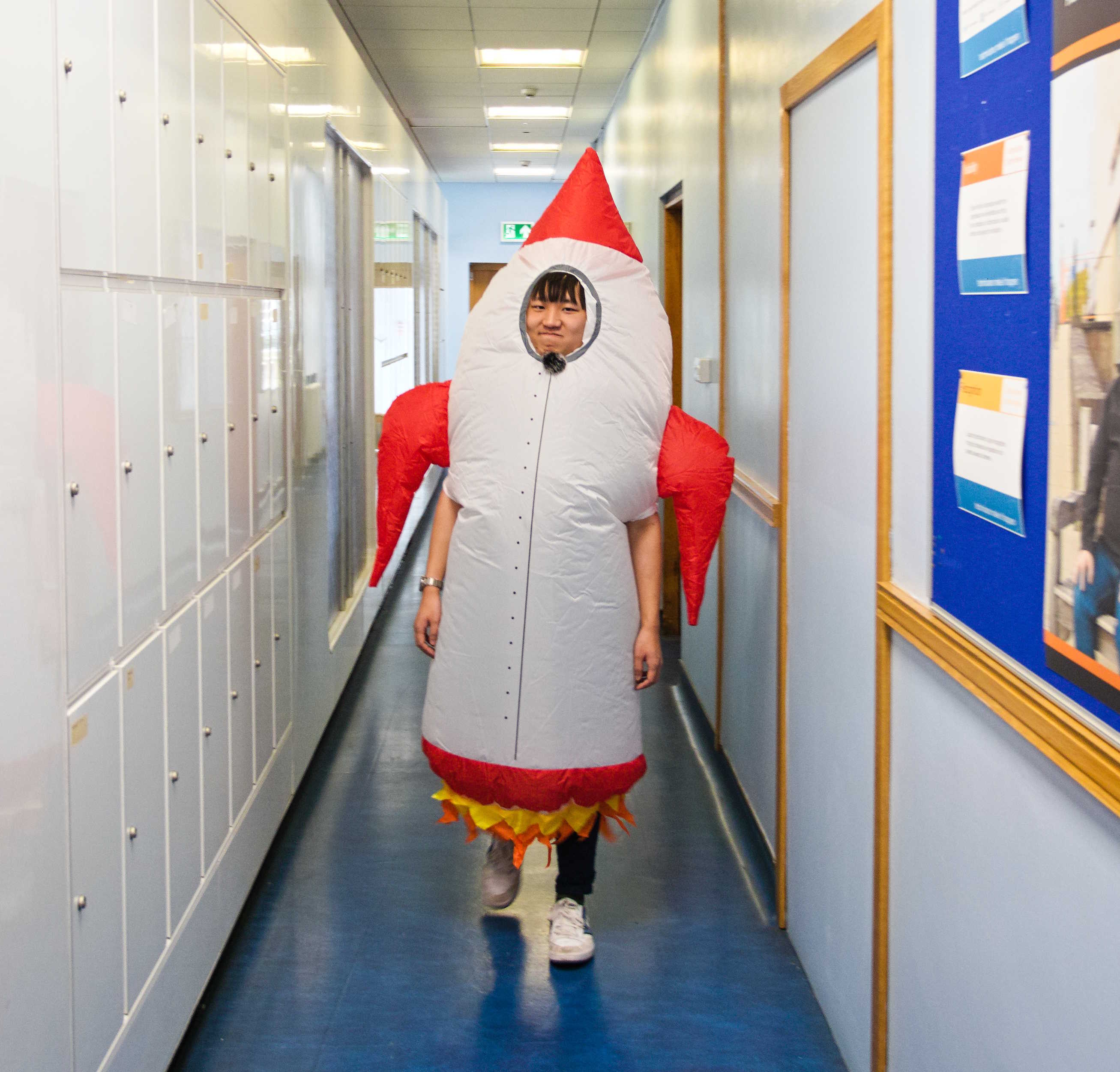
Hello! My name is Mr Wang and I'm a Computing Science teacher at Mearns Castle High School.
This site is a side project of mine to host various educational tools and resources, alongside any personal projects.
Please give me feedback, report bugs, or request new features by getting in touch.
Thanks for visiting!
Site Details
This site is a Django web app, hosted on Render.
Click here to open the GitHub page for this project.
About the AI Quiz Generator
There are many sites and services for creating and hosting digital quizzes, with many having their own proprietary services for the AI-generation of quizzes. However, many of these require signing up for accounts or paying for premium features such as AI-generation.
The goal of this service is to have a unified, single web interface for the generation of quizzes in as many formats as possible, with no subscriptions or account sign-ups.
Technical Details
The app generates a prompt from the form input, which is passed into the Azure API. Currently, the model uses the GPT-4.1 Mini model for response generation, which was chosen for its cost efficiency.
Pre-prompts
The prompt which is passed into the Azure API is made up of a "system prompt" and a "user prompt".
The function which sends data to the API looks like this:
# Call Azure OpenAI
def generate_text(
    source_material: str,
    level: str,
    no_of_questions: str,
    no_of_choices: str,
    additional_info: str
) -> str:
    system_prompt = """
        You are a helpful assistant that creates multiple-choice quiz documents.
        Do not include any formatting symbols in your response.
        Do not respond with any follow-up questions.
        Use British English spellings, grammar, and conventions throughout.

        Your response will follow a specific format:
        - For each question, begin with the question number followed by a dot and the question text in one line.
        - Do not use bullet points, only new lines.
        - Under each question text, insert a new line and then the possible answer beginning with the letter from A.
        - Randomise the answer order, and below add "Answer: " followed by the letter of the correct answer. Below this, add a line with "Point: 1".

        You will be making quizzes which secondary teachers in Scotland will be using. This means that:
        - Quizzes for S1-2s should contain questions which are answerable by 12-13 year olds.
        - NPAs, National 4/5, Higher, and Advanced Higher quizzes should contain content which is applicable for those courses.

        The user prompt will contain the details for the quiz.

    """
    user_prompt = f"""
        Source material:
        {source_material}

        Level: {level}
        Number of questions: {no_of_questions}
        Choices per question: {no_of_choices}
        Additional information: {additional_info}
    """
    response = client.chat.completions.create(
        model=os.getenv("AZURE_DEPLOYMENT_NAME"),
        messages=[
            {"role": "system", "content": system_prompt},
            {"role": "user", "content": user_prompt}
        ]
    )
    return response.choices[0].message.content
The response from this prompt can be used to generate documents or importable files for services such as Microsoft Forms or Blooket.
Click here to use the quiz generator.